|
 | |
     | ||
| ||||||
 |
|
This tutorial is intended to demonstrate how to convert Adobe XPS documents to AFP files with the help of AFP Printer.
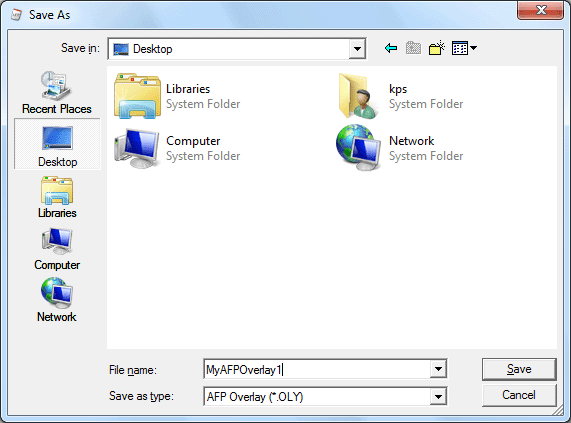
NOTE: AFP files can be AFP documents, AFP overlays, AFP medium overlays, and AFP page segments.. How to convert XPS to AFP 1. Start your XPS Viewer 2. Open a XPS document 3. Select from main menu "File"->"Print" 4. Select Printer "AFP Printer" 5. If you need to adjust AFP generation options, click the "Property" button on the right 6. Click "OK" 7. A dialog will pop up, assign the folder and file name of the AFP document to be generated
8. Congratulations! You have converted XPS to AFP document now. System Requirement: Microsoft Windows 11, Microsoft Windows 10, Microsoft Windows 8.1, Microsoft Windows 8, Microsoft Windows 7, Microsoft Windows Vista, Microsoft Windows XP, Microsoft Windows Server 2022, Microsoft Windows Server 2019, Microsoft Windows Server 2016, Windows Server 2012, Microsoft Windows Server 2008, Microsoft Windows Server 2003 R2. Both 32-bit and 64-bit OS are supported. Common Conversion
Pairs
(C) 2023 IPDS Technologies, AG. All rights
reserved. |
|
 |
 XPS to AFP Conversion